Secure Microsoft 365 Email and Accounts

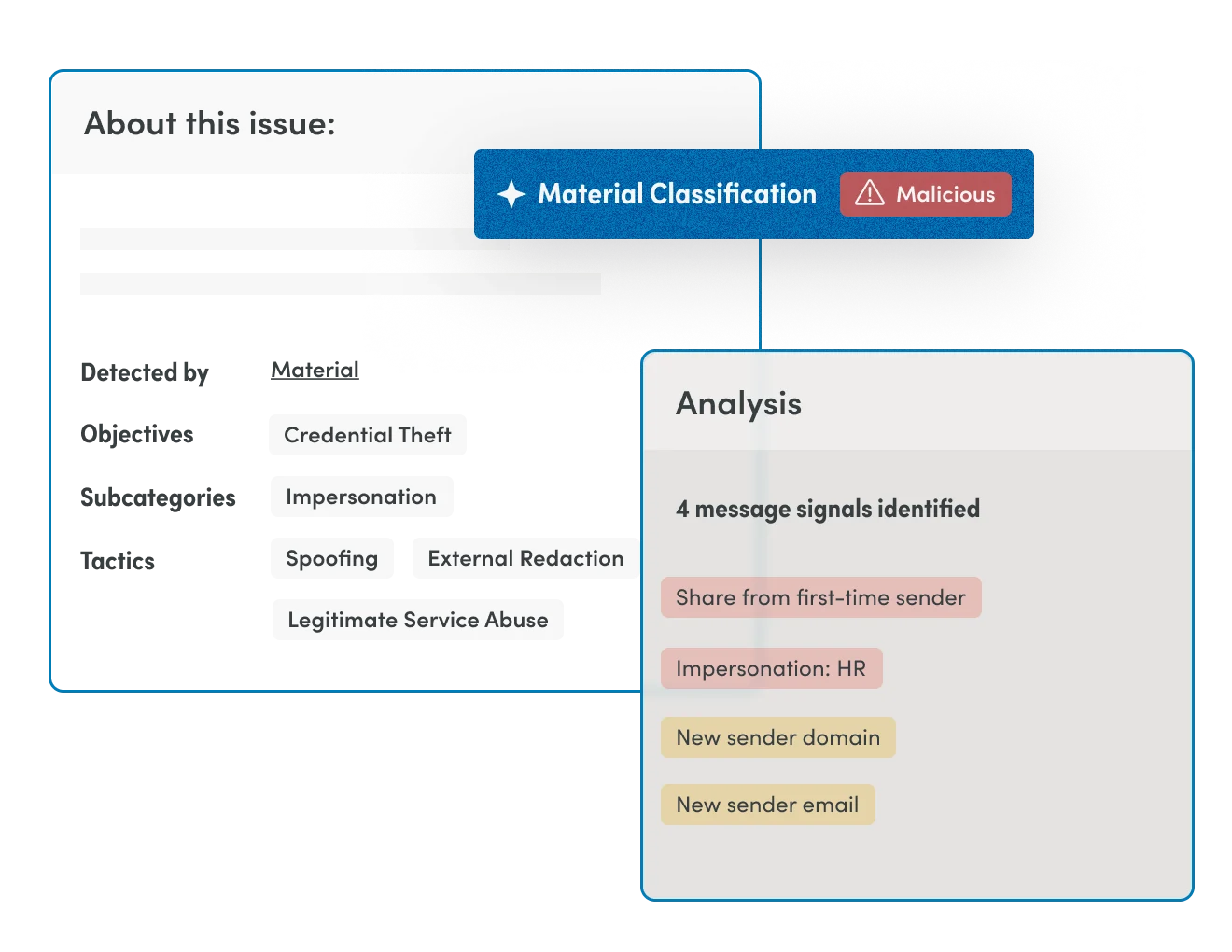
Material Security delivers AI-native email security, protects sensitive data at rest in inboxes, and contains account takeovers without user disruption.

Get a demo
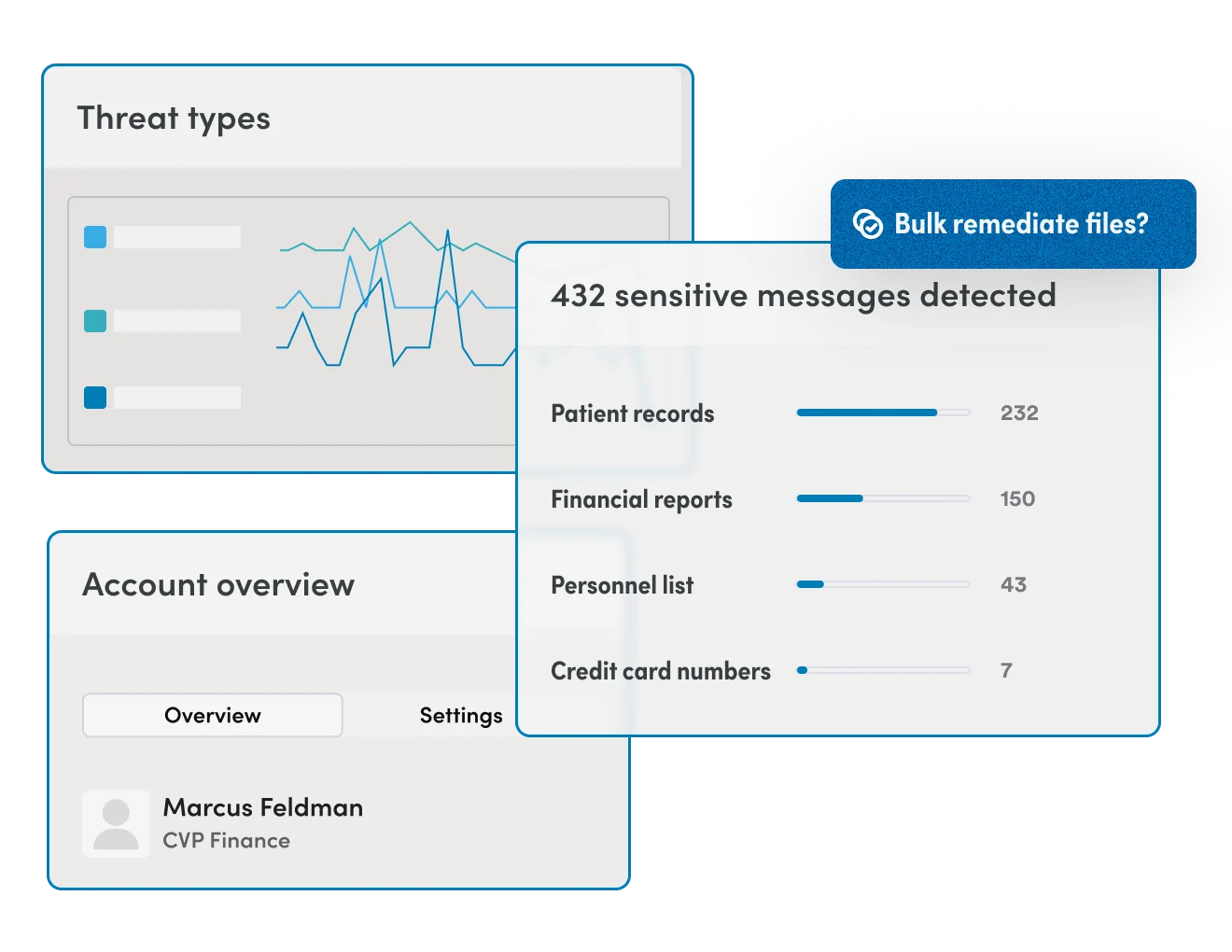
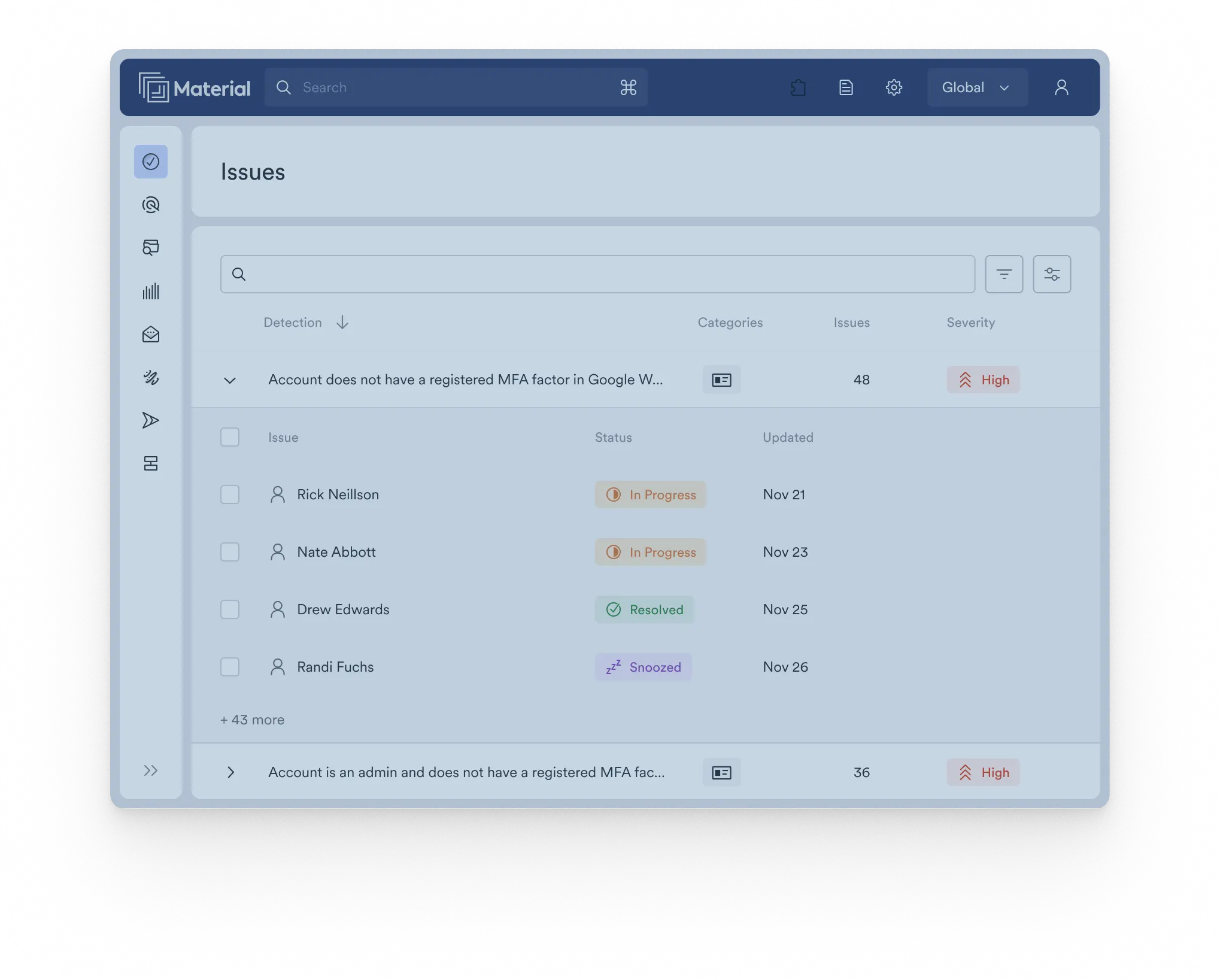
Microsoft 365 email and account security illustration

The problem with protecting Microsoft 365? M365’s native security tools weren’t built to answer the question that matters most after a breach:

Whose data was
accessed, and when?

Material Security fills that gap.

Five capabilities. One platform.

When a credential is compromised, the attacker looks identical to a legitimate user. Material detects anomalous session behavior like bulk reads, unusual forwarding, and access to concentrated PHI, and can restrict access to sensitive mail without fully locking the account. Critical workflows stay intact. Attacker access is contained.

Industry

Why this matters for you

The Challenge

Healthcare leads all industries in data breach cost for 13 consecutive years. The average cost is $9.8M per breach.

The HIPAA Breach Notification Rule gives covered entities 60 days to notify affected patients after discovering a breach. The investigation — scoping what was accessed, which patients are affected, what ePHI was exposed — is where organizations lose weeks. Without prebuilt audit infrastructure, a single compromised mailbox can take 3–5 weeks to scope manually.

Our Solution

With Material, that investigation compresses to hours.

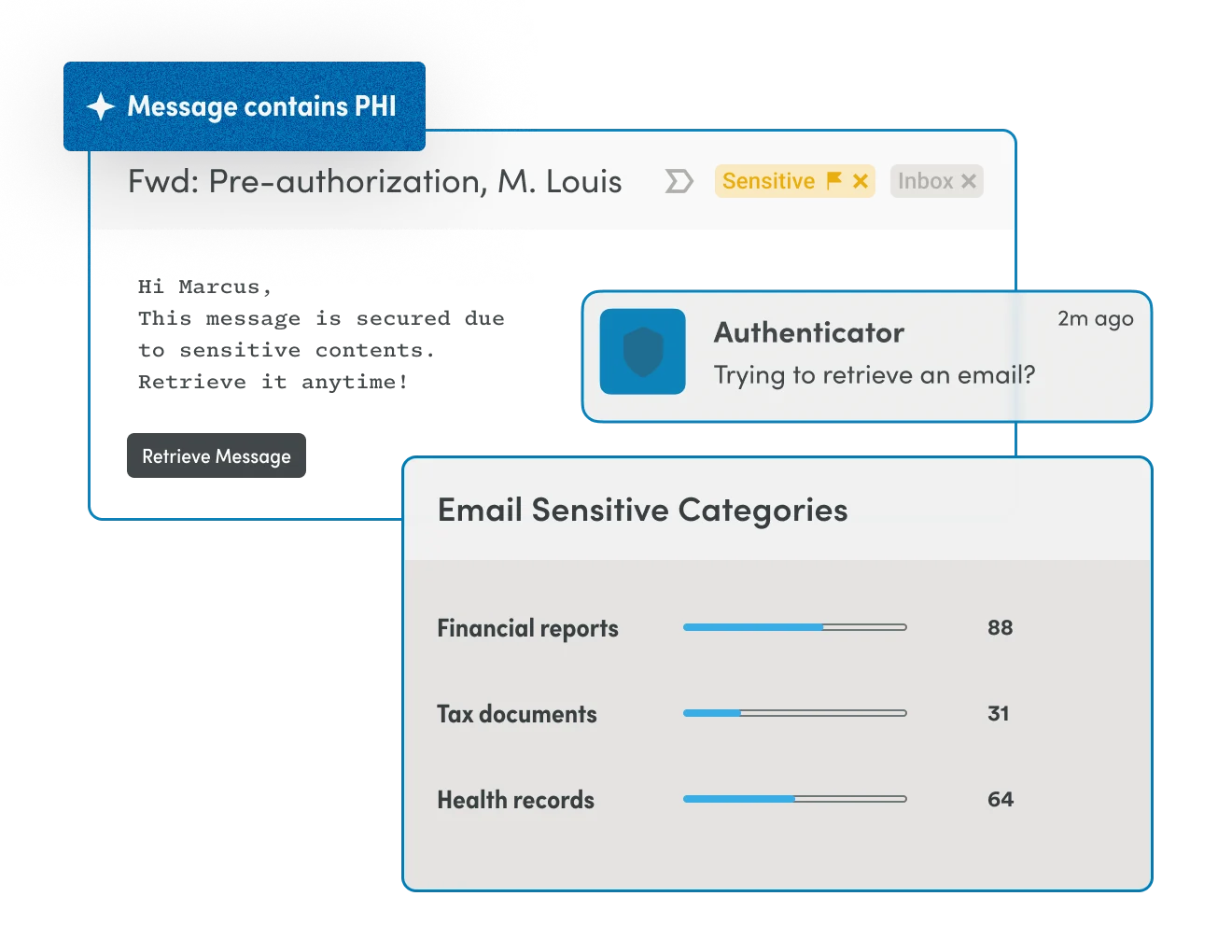
Because Material continuously classifies ePHI at rest and maintains an immutable access audit trail, a structured breach scope report (unique patient count, affected emails, session timeline) is available before end of business on the day a compromise is confirmed.
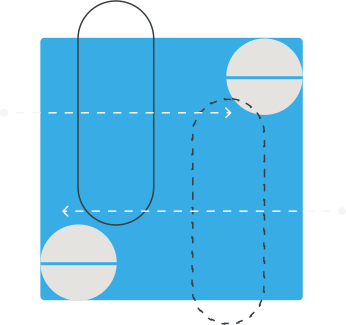
Microsoft 365 healthcare breach investigation and data access path illustration

The Material Difference

How our solution compares

Comparison of Material Security, Microsoft Purview, and traditional email security capabilities
Capability Material Security Microsoft Purview Email Security
01 Detects compromised account access (not just delivery) Full support: Session-level anomaly detection Partial support: Partial — flags risky sign-ins, not mailbox read behavior Partial support: Partial — inbound threats only
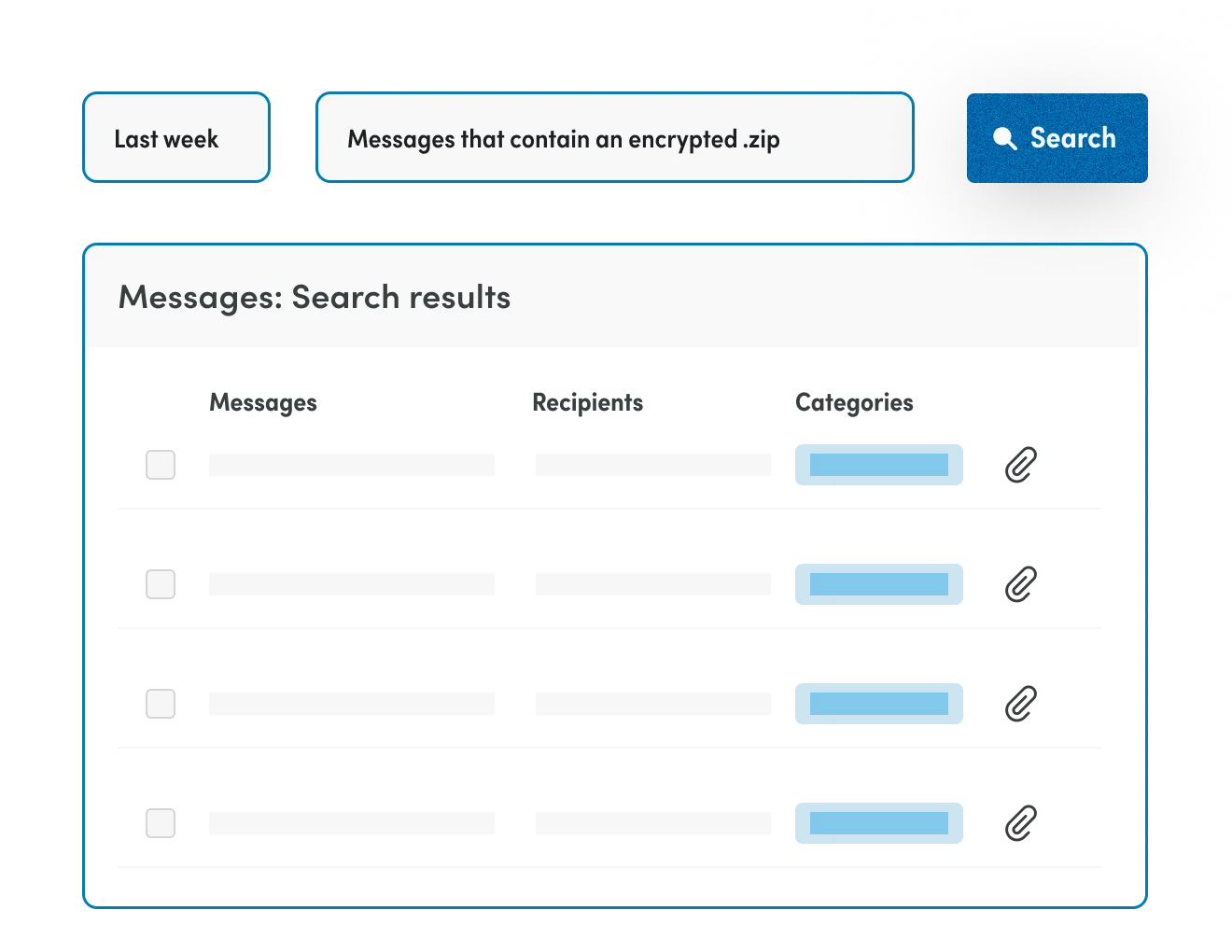
02 ePHI classification in existing email Full support: Scans all mailboxes at rest Partial support: Partial — retroactive scan requires complex configuration and manual tagging Not supported: Not in scope
03 Restricts sensitive mail access and encrypts sensitive messages without full account lockout Full support: Yes — granular session-level containment Not supported: No — binary active/suspended only Not supported: Not in scope
04 Post-breach patient impact report Full support: Automatic — unique patient count + email inventory Partial support: Manual eDiscovery query required Not supported: Not designed for this
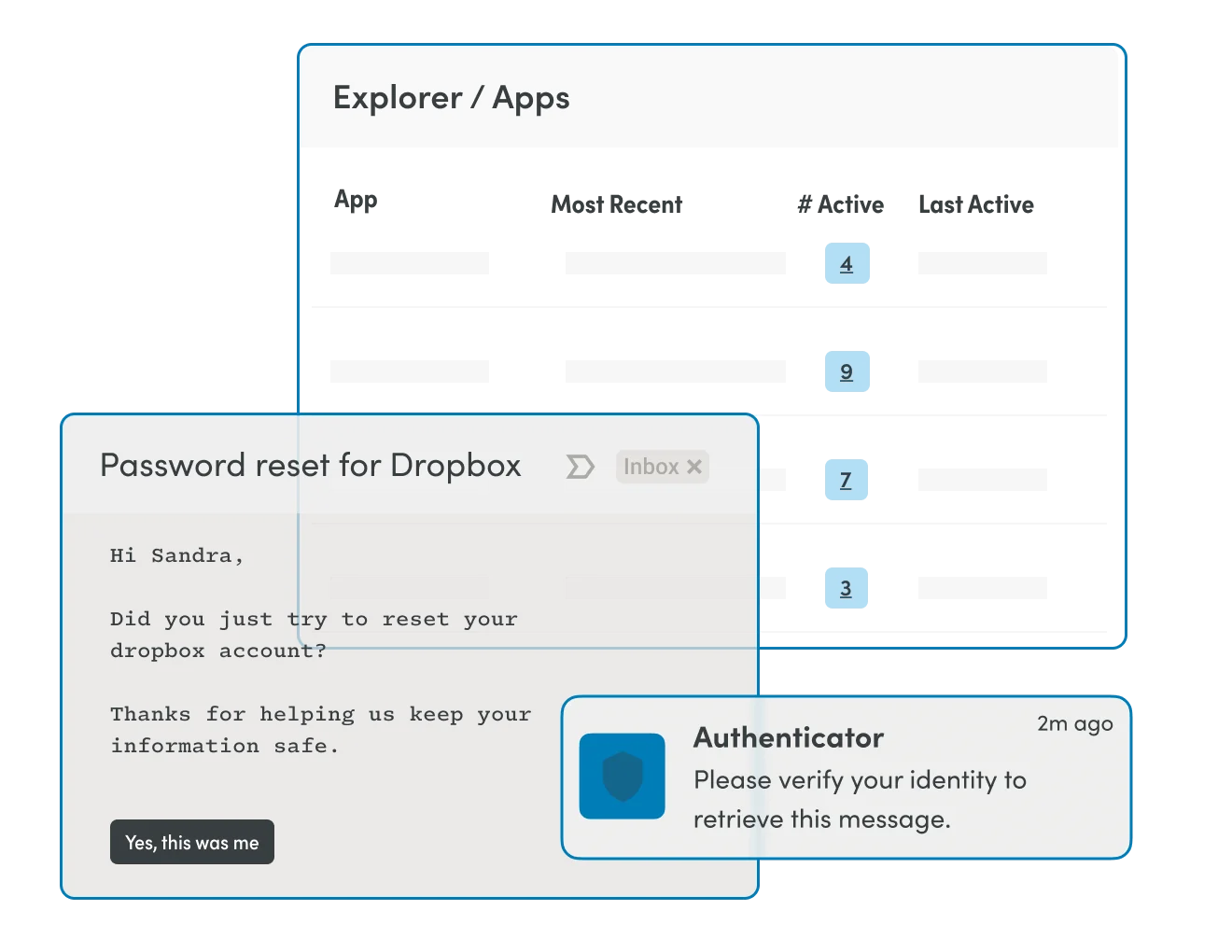
05 Password reset MFA enforcement Full support: Yes Partial support: Partial — requires additional configuration Not supported: Not in scope

The Material Difference

Hear it from our customers

“Some of the things that we see Material handle in under 10 seconds, take some of the native tooling in the tens of minutes to hours timeframe.”
“Malicious content is always going to get through. Blockers might catch 98% of attacks, but the answer is not to get from 98% to 99% — because that’s still not bulletproof. It's better to take that money and invest in something like Material.”

FAQ

Answers for serious teams

No. Material connects via Microsoft 365 APIs, so you keep your existing mail flow and can be up and running in minutes.

Get a demo

See the Material difference for yourself

Book a demo
Privacy Preference Center

By clicking “Accept”, you agree to the storing of cookies on your device to enhance site navigation, analyze site usage, and assist in our marketing efforts. View our Privacy Policy for more information.

New