A good alternative to Mimecast is an API-based platform like Material Security, which connects directly to Google Workspace or Microsoft 365 instead of routing mail through a gateway. That means no MX record changes, continued use of native email protections, and coverage that extends beyond inbound filtering into account takeover containment and file security.
Mimecast Protects the Inbox. Breaches Don't Stop at the Inbox.
Mimecast is a gateway added on top of the cloud. Material is built for the cloud from the start. If your organization runs Google Workspace or Microsoft 365, security should work with that environment, not against it.
Every day an organization runs Mimecast on Google Workspace, it is paying for a tool that:
- Breaks the protections already in place. Rerouting mail through a third-party gateway disables Google's native threat detection, the same controls the license already pays for.
- Concentrates risk in one vendor. Every email sent or received flows through Mimecast's infrastructure, which is a single point of failure rather than a second layer of defense.
- Costs time on maintenance, not outcomes. A gateway model needs a dedicated admin to clear queues, tune rules, and chase false positives, which is operational overhead, not security work.
- Cannot see the fastest-growing risk surface. Employees are connecting AI tools to Google Workspace right now with OAuth permissions that can grant read and write access to years of email in under thirty seconds. Mimecast has no visibility into any of it.
Material does not reroute mail or work against the existing cloud environment. It connects by API in under ten minutes and starts protecting what Mimecast was never built to cover.
Get a demo
Features

.png)
API Deployment
No Change to MX records
Phishing Protection
Phishing Simulations
Post-Delivery Email Protection
Outbound Email Encryption
Account Takeover (ATO) Resilience
Data Loss Prevention without app install
App install required
Google Drive Integration
Posture Management
All-in-One Console (no separate modules to manage)
Why Security Teams Replace Mimecast with Material
No Single Point of Failure for Your Email
Material connects to Google Workspace or Microsoft 365 by API, sitting alongside mail flow instead of in front of it. Because there's no MX record rewrite, there's no scenario where a Material outage takes down inbound or outbound email. Mimecast, by contrast, requires rerouting MX records through its infrastructure before mail is delivered , meaning if Mimecast goes down, your email goes down with it, both inbound and outbound.
This is the direct consequence of a gateway architecture that inserts itself into the mail flow rather than observing it from the side.
Security That Reduces Work, Not Creates It
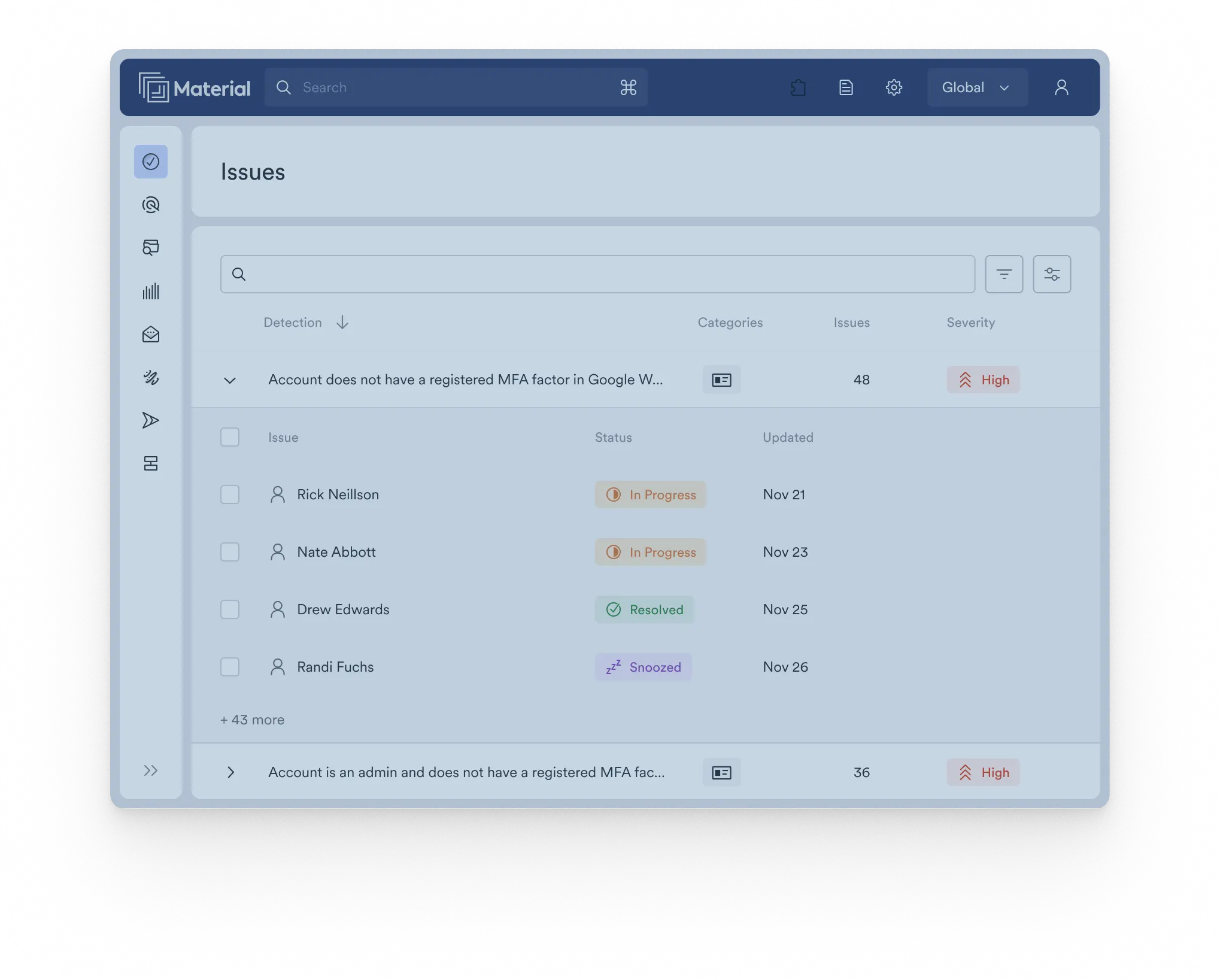
Material runs without quarantine queues to clear, daily rule tuning, or end-user release requests. Phishing protection, posture management, data loss prevention, OAuth grant management, and incident response all live in a single console.
Mimecast's operating model centers on a quarantine, which means someone on the team is reviewing queues, adjusting policy for false positives, and fielding tickets whenever a legitimate vendor email gets held.
Visibility Into the Threat Surface Mimecast Cannot See
While a gateway watches the front door, unreviewed apps are connecting through the side. Employees are authorizing AI tools and other third-party apps against Google Workspace constantly, and each connection can carry read and write access to Gmail, Drive, contacts, and calendars. Neither Mimecast nor native tools like Microsoft Defender extend into this layer.
Material's OAuth Remediation Agent, scoped to Google Workspace, gives a complete inventory of every app connected to the environment, the permissions each one holds, and the ability to revoke access automatically or on demand, so a new connection is visible before it becomes a breach vector.
Protection That Does Not Stop at Delivery
Mimecast gets one chance to catch a threat before it reaches an inbox. If something slips through, or an attacker is already inside, there is no second layer.
Material operates across the full attack timeline: post-delivery remediation pulls malicious messages out of inboxes after the fact, and account takeover controls detect suspicious behavior and contain it before an attacker can move laterally or exfiltrate data. See how that containment works in practice.
Why do security teams choose Material Security?
It’s simple: it provides protection beyond just email at a better value.

Email Security
Material runs on auto-pilot to remediate sophisticated email attacks that bypass traditional controls—without disrupting operations or wasting resources managing rulesets

Data Security
Understand where sensitive data exists, if it is exposed, and reduce the risk. Material detects sensitive content in files and automatically remediates excessive permissions and inappropriate sharing.

Identity Security
Detect account takeovers, contain their impact, and proactively manage connected apps. Material prevents attackers from establishing their presence, moving laterally, and exfiltrating sensitive data.
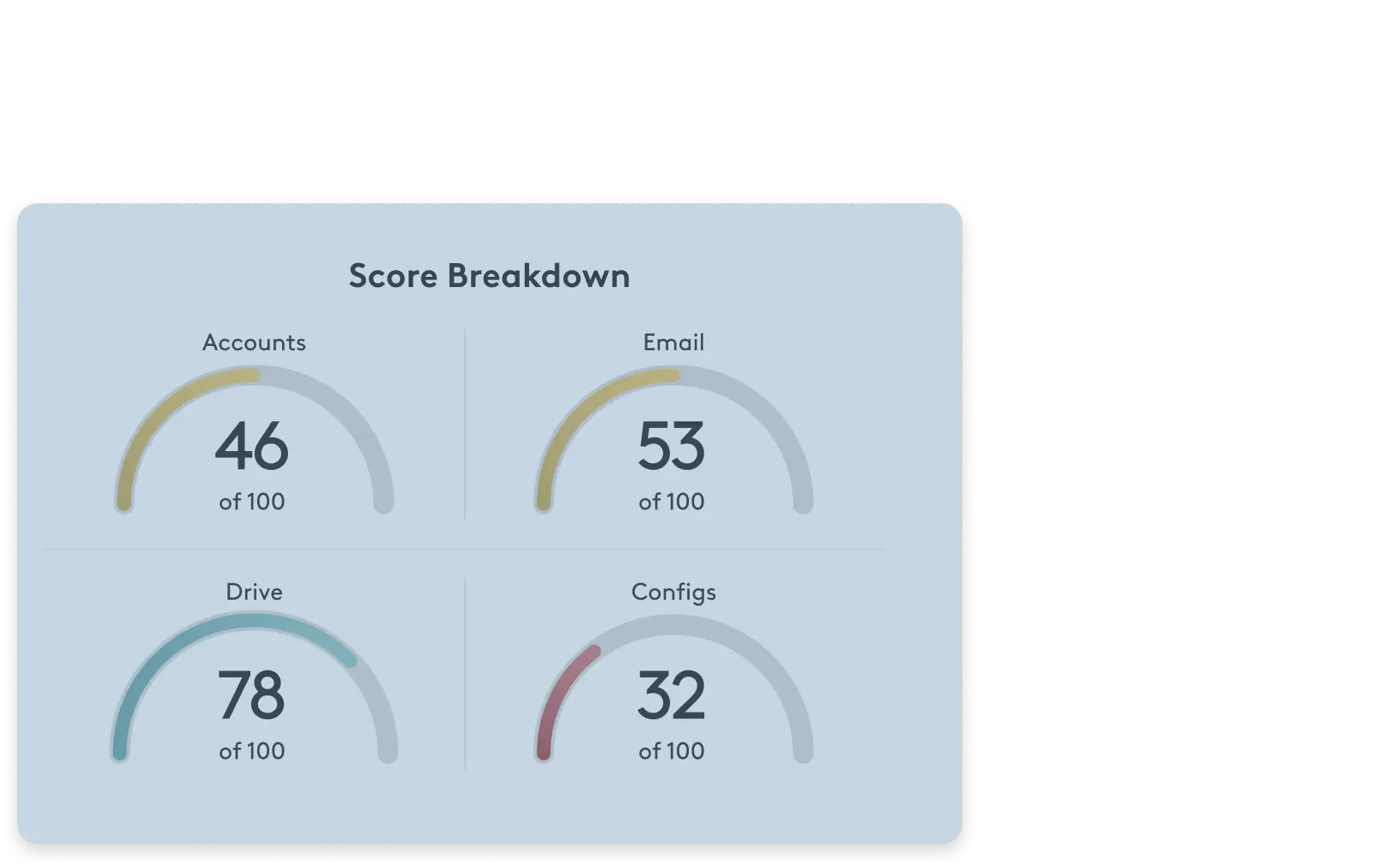

5 Minute Workspace Evaluation
Check your Workspace security posture now
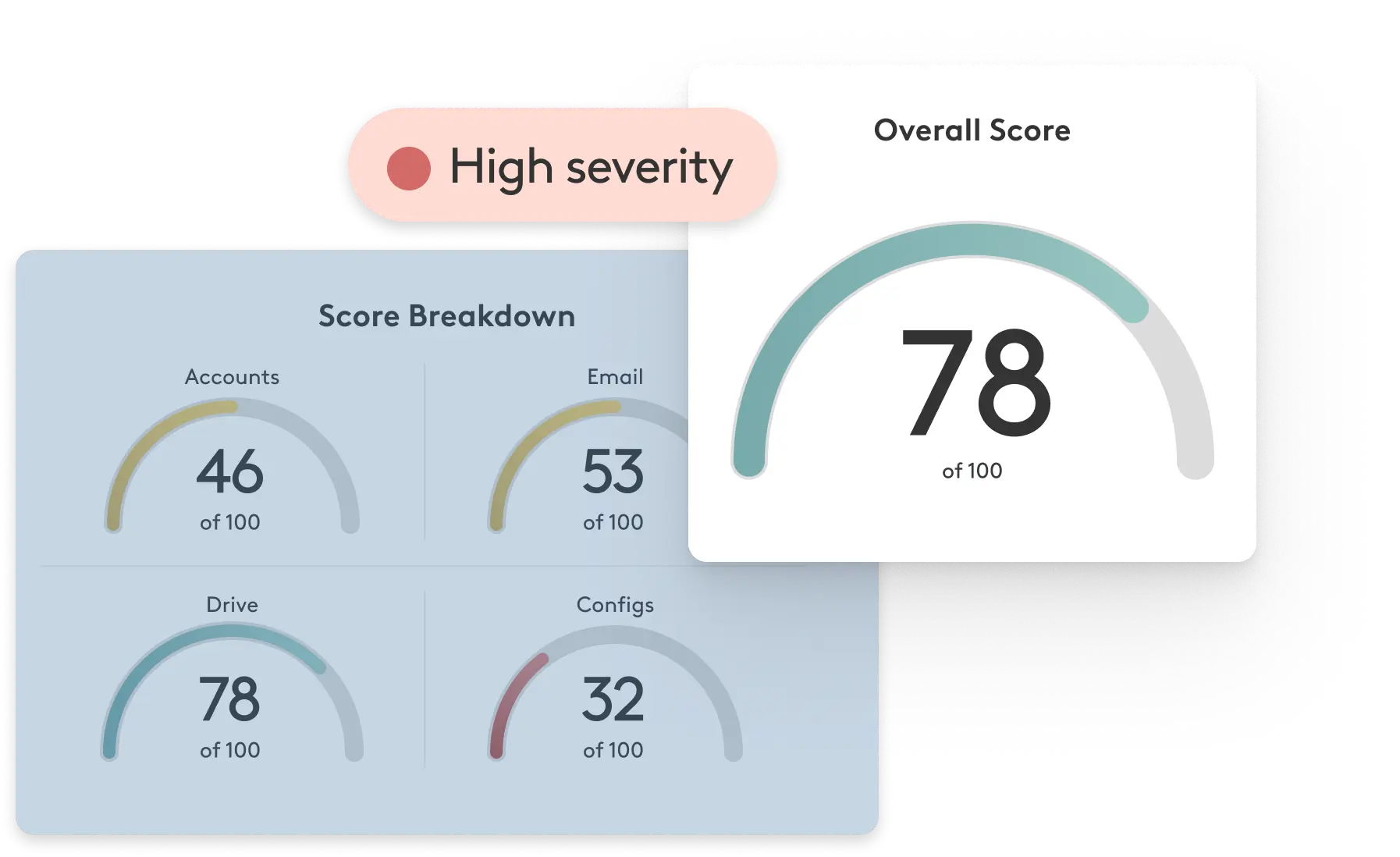
Material’s scorecard evaluates your approach to email, file, and account security, providing actionable recommendations to improve your security today. Stop guessing and evaluate now.
Get your scorecard